


Adnova Ad Launcher vs Koast AI: Which Ad Launcher Fits Your Workflow?




.png)
If you're a media buyer, agency, or in-house performance team, the time you spend uploading creatives, naming ad sets, and fixing the same five settings across 50 ads is time you're not spending on strategy. That's the gap bulk ad launchers exist to close.
Adnova and Koast AI both promise to get your ads live faster. Both target performance teams. But they take noticeably different approaches, in what they launch to, how they handle creative settings, how they price, and what kind of team they're really built for.
This is a side-by-side look at the two, based on what each company publishes on their own websites and documentation. The goal: give you enough to figure out which one fits your workflow before you ever start a trial.
What is Adnova?
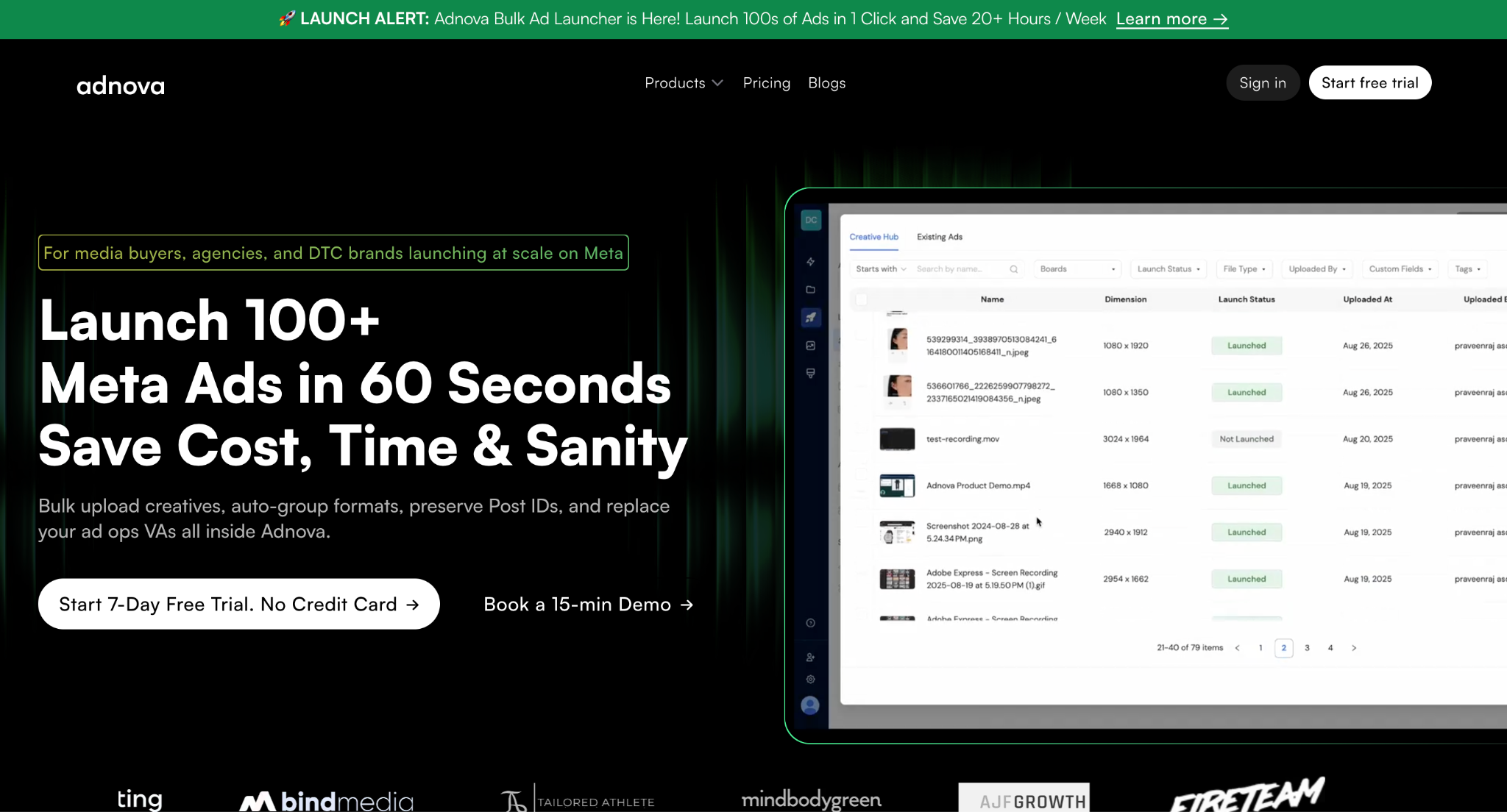
Adnova is a creative workflow platform built for performance marketers, with the Adnova Ad Launcher as one of its core products. The ad launcher itself lets you upload creatives in bulk, sync from cloud storage, and publish hundreds of ads in a single click but it sits inside a broader stack that also covers creative analytics, competitor research (Detective), an inspiration library, a creative hub for asset management and feedback, and ad templates.
The positioning matters. Adnova isn't a single-purpose tool bolted onto a pricing page; it's a workflow hub where launching ads is one step in a connected creative operation. If you've ever bounced between Google Drive, Frame.io, Ads Manager, and a feedback Slack channel just to get one ad live, that's the problem Adnova is built to consolidate.
On the launcher specifically, Adnova currently supports Meta, TikTok, and AppLovin ad launches, with plans to expand to more platforms.
What is Koast AI?
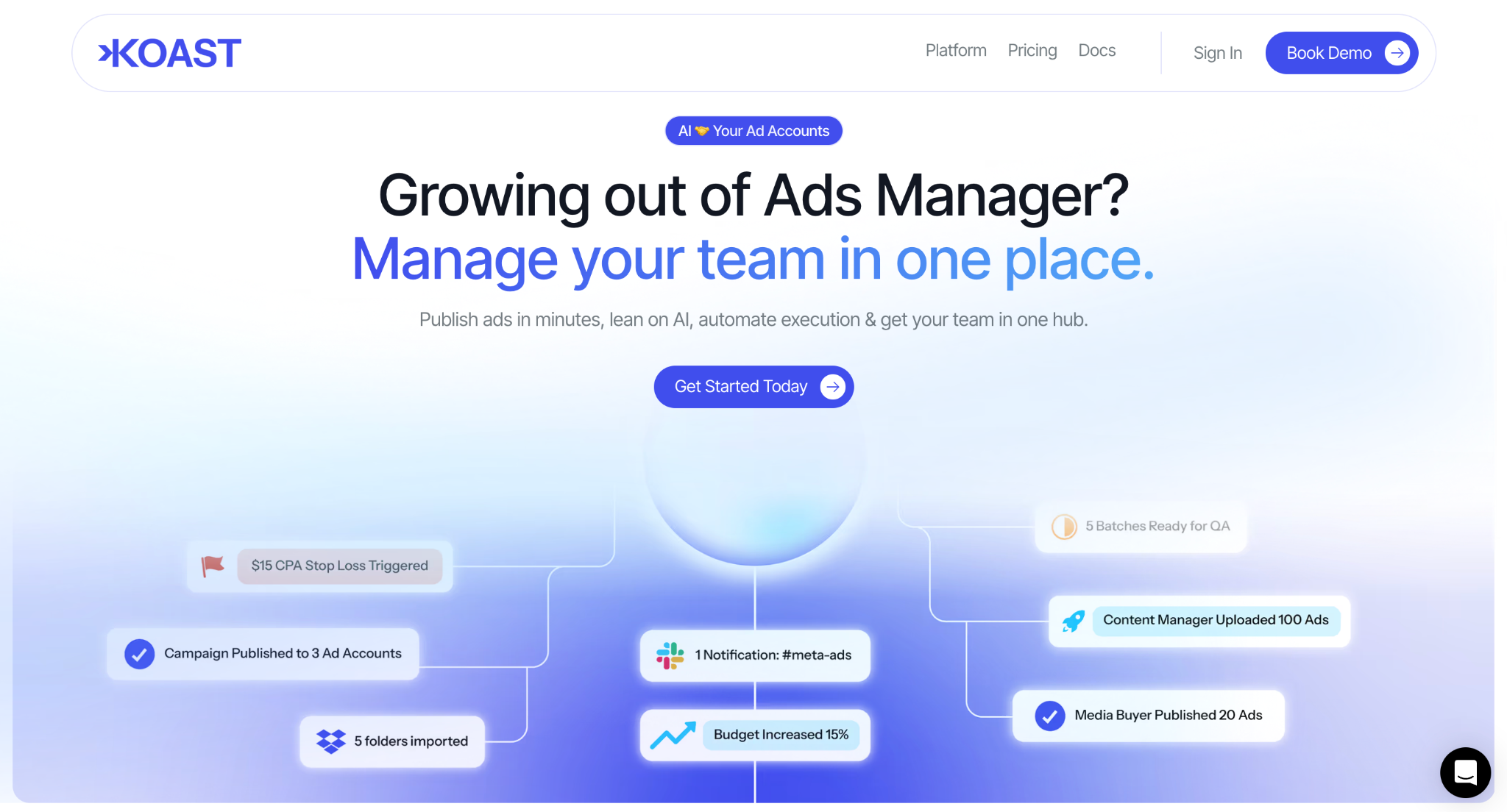
Koast AI (previously AdCopy.ai) is a Meta-focused ad launching and automation platform. Its core promise is speed and automation inside Meta: bulk launching, automated stop-losses on underperforming ads, AI-generated reports, multi-account syncing, and a native creative library.
Koast leans heavily into the "media buying co-pilot" framing. Beyond just publishing ads, it includes from-scratch campaign building, role-based team permissions for content/media/admin roles, and budget automations running on a 5-minute frequency. It's positioned for agencies and in-house teams that want to compress their Meta workflow into one tool.
The important framing detail: Koast is currently a Meta-only platform. Facebook and Instagram are the supported destinations.
Launching Capabilities
Both platforms support a wide range of Meta ad formats, single image, single video, carousel, catalog, flexible, partnership, lead ads, and multi-placement creatives. On Meta ad-type parity, the two are effectively equal.
Where they diverge is in the launch interface and post-launch automation depth.
Adnova's launcher defaults to a table-style interface designed for bulk launching you can see and edit multiple ad variants in a single view, apply defaults across the batch, and launch with one click. It's optimized for the "configure once, apply to everything" workflow.
Koast goes a step further on the automation side. Beyond launching, it lets you build full campaigns from scratch inside the platform, set up budget scaling rules, and run automated stop-losses that pause underperforming ads on a 5-minute check cycle. If your bottleneck isn't just launching but also ongoing campaign optimization inside Meta, that's a real strength of Koast worth acknowledging.
Short version: Adnova is built around getting creative variations live across platforms quickly. Koast is built around going deeper inside Meta with from-scratch campaign building and rule-based automation.
Integrations Supported: Where Your Creatives Live
How a launcher pulls in your creatives is often a bigger workflow factor than the launch step itself.
Adnova's integrations include:
- Google Drive
- Dropbox
- Frame.io
- Existing ads from your ad accounts (with Post ID preservation)
- Organic social posts (launch as ads while retaining social proof)
- Meta assets
The Post ID preservation point is worth flagging. When you duplicate or scale a winning ad, Adnova lets you keep the original likes, comments, and engagement attached so the social proof carries over instead of resetting to zero. The same applies to launching organic posts as paid ads.
Koast's integrations:
- Google Drive
- Dropbox
Koast covers the two most common creative sources (Drive and Dropbox), which handles the majority of typical workflows. The gap shows up if your team already uses Frame.io for video review, or if scaling existing winners with retained social proof is a regular part of your launch process Adnova publicly supports both, Koast doesn't currently document those paths.
Creative Enhancements: More Tools, More Flexibility
Meta's Advantage+ Creative Enhancements (automatic image expansion, text variations, music overlays, brightness adjustments, and so on) are useful in some cases and unwanted in others. Most experienced media buyers want granular control, keep one enhancement on, turn another off, rather than a single master switch.
Adnova supports 55+ creative enhancement toggles that you can apply or disable individually, in bulk, across hundreds of ads at once.
Koast's public help documentation, primarily documents a single master toggle for "Advantage+ Ad Creative Enhancements" (plus a separate Multi-Advertiser Ads toggle). Their help center doesn't publicly document granular per-enhancement controls of the kind Adnova exposes.
If you're a buyer who's particular about which enhancements Meta applies and most experienced ones are, that level of control is a real workflow saver.
Platforms Supported: Where You Can Launch
Adnova currently launches to Meta, TikTok, and AppLovin, with Snapchat and YouTube on the roadmap.
Koast is a Meta-only platform.
If your entire ad spend lives on Meta, Koast covers your launch destination needs. But if your team runs TikTok creatives, or if you're scaling user acquisition through AppLovin (common for app advertisers), or if you anticipate expanding beyond Meta in the next year, you'd need a second tool alongside Koast.
For agencies serving multiple clients with varying channel mixes, the multi-platform support matters more than it might for a single-brand in-house team.
Customer Support: When You Need Help
Ad ops is one of those workflows where support speed genuinely matters. If a launch fails at 11 PM the night before a sale goes live, "we'll get back to you Monday" is not an acceptable answer.
Adnova publicly commits to:
- 24/7 live chat
- Dedicated Slack channel for customers
- Email support
Koast publicly offers:
- Live chat
- Slack
Koast doesn't publicly state its support hours on its website or help center, so the practical responsiveness is something you'd want to confirm during a trial. Adnova's 24/7 commitment is stated directly.
Pricing
Pricing is structured very differently between the two, and the right model genuinely depends on your scale.
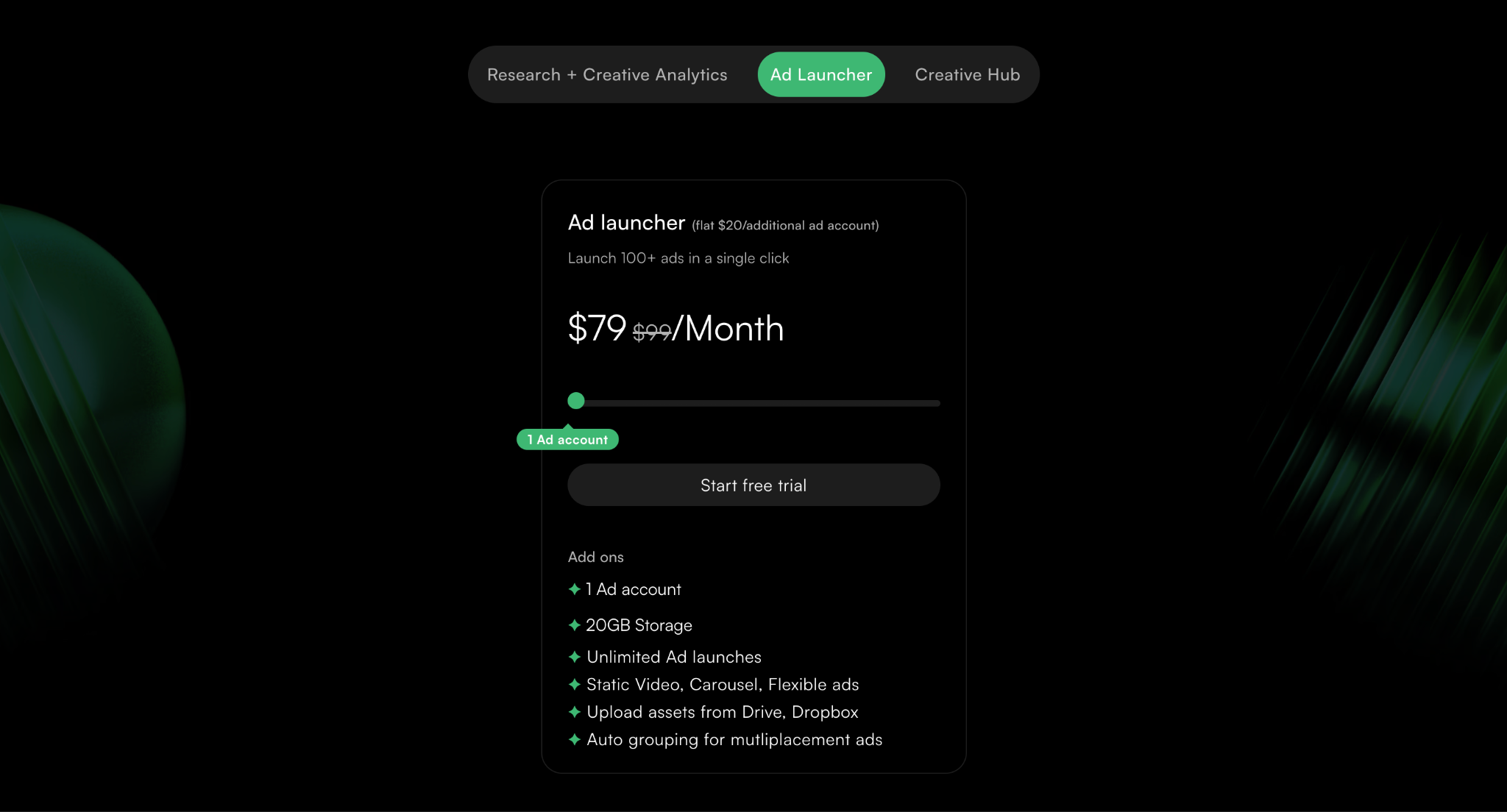
Adnova Ad Launcher pricing:
- $79/month for your first ad account
- +$20/month for each additional ad account
- Includes unlimited ad launches, 20GB storage, and all ad formats
The model is linear: pay for what you use. A team running one account pays $79. A team running 5 accounts pays $79 + $80 = $159. Predictable as you scale.
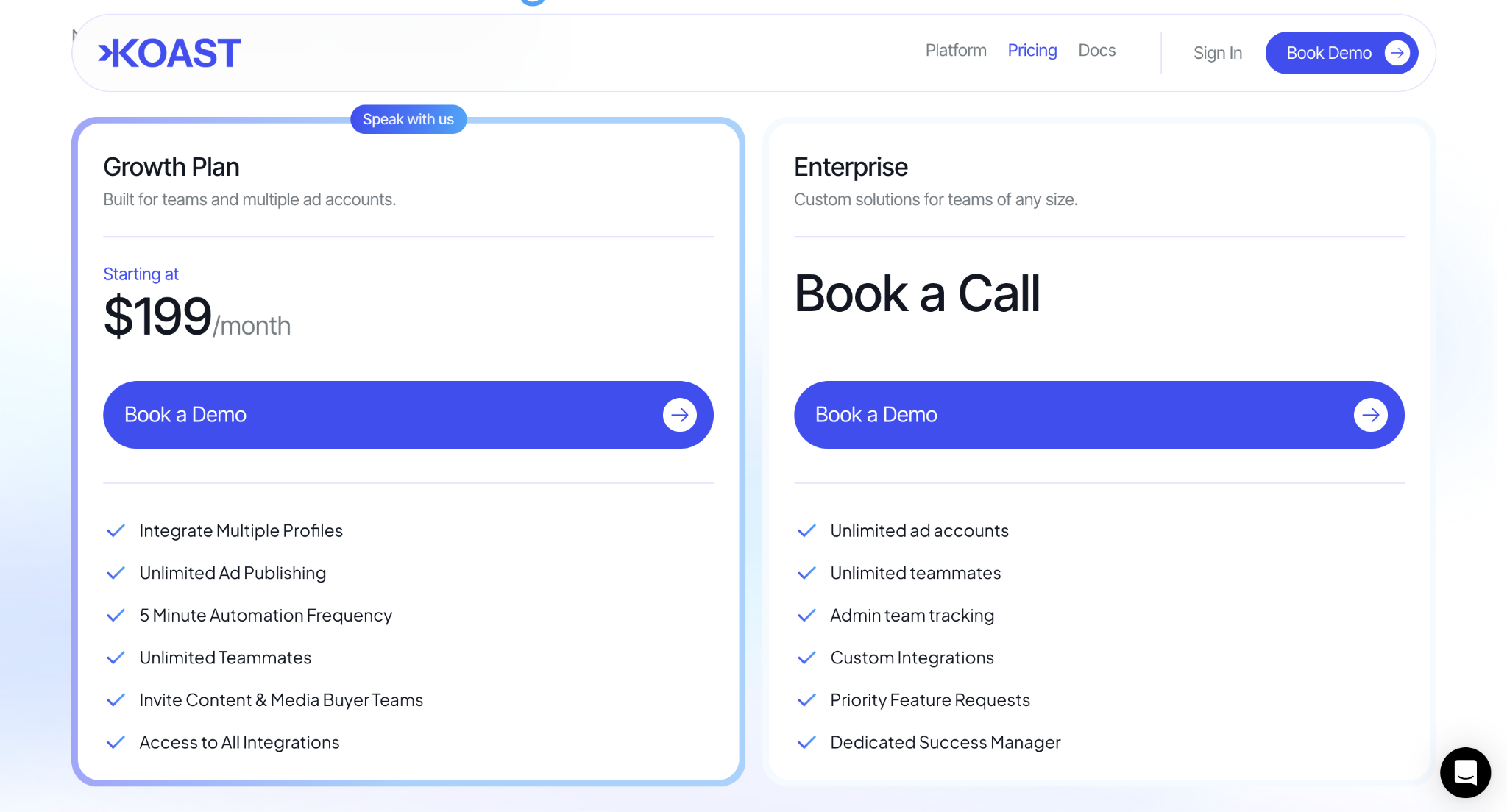
Koast AI pricing:
- Agency plan: $199/month, bundles 10 ad accounts, unlimited publishing, unlimited teammates
- Enterprise: custom pricing, requires a sales conversation; unlimited accounts
The Koast model is essentially a flat-fee bundle. If you actually need all 10 accounts on day one, the per-account math works out favorably. If you're starting with one or two accounts and growing into more, you're paying for capacity you're not using yet. And if you need to go beyond 10 accounts, you're into a custom-quoted conversation rather than a published price.
Short version: Adnova's pricing scales linearly from where you are today. Koast's pricing assumes you're already at scale, or planning to be there quickly.
Why Choose Adnova?
You launch on more than just Meta. If TikTok, AppLovin, or future expansion to Snapchat/YouTube is in your plans, Adnova is one of the few launchers that already covers that ground today.
You want predictable, linear pricing. Starting at $79 and adding $20 per account means you pay for what you actually use not for capacity you might grow into.
You want granular control over Meta creative enhancements. 55+ individual toggles vs. a master switch is a meaningful workflow difference for experienced buyers.
You're consolidating your creative stack. Adnova isn't just a launcher, it's a workflow platform covering creative analytics, competitor research, asset management, and feedback. If you're currently paying for separate tools across those steps, the bundled approach can simplify both your stack and your bill.
You need 24/7 support and stronger creative source integrations. The Frame.io integration, Post ID preservation when scaling winners, and the ability to launch existing organic posts as ads with social proof intact those are workflow details that add up over time.
That said, Koast has genuine strengths worth weighing honestly: deeper post-launch automation, from-scratch campaign building inside the platform, automated stop-losses, and 5-minute budget rule cycles. If you're a Meta-only team and your bottleneck is ongoing campaign management more than launching, Koast is a serious option.
Try Adnova for Yourself
The fastest way to know if Adnova fits your workflow is to try it on a real launch. No credit card required.
Or, if you'd like a walkthrough with the team to map Adnova against your current setup:
Book a call with the Adnova team