


Adnova vs TrendTrack: Which Platform Should Ecom Advertisers Actually Use?



.png)
For ecommerce brands running paid ads, creative is the lever that moves everything. The targeting is increasingly automated, so the ad itself, the hook, the format, the angle is what decides whether you scale or stall. That's why research has become non-negotiable: studying what's already winning in the market, watching what competitors are scaling, and capturing proven concepts before they saturate is how good media buyers cut wasted spend and find winners faster.
The tricky part is that "research" means different things to different teams. Some want to find winning products and stores before placing a bet. Others want to reverse-engineer creatives and run a tight production-and-testing loop. Two well-built platforms that come up in this space Adnova and TrendTrack. They are each excellent, but they're aimed at noticeably different jobs. This guide breaks down where each one is strongest so you can pick the one that fits how your team actually works.
What is Adnova?
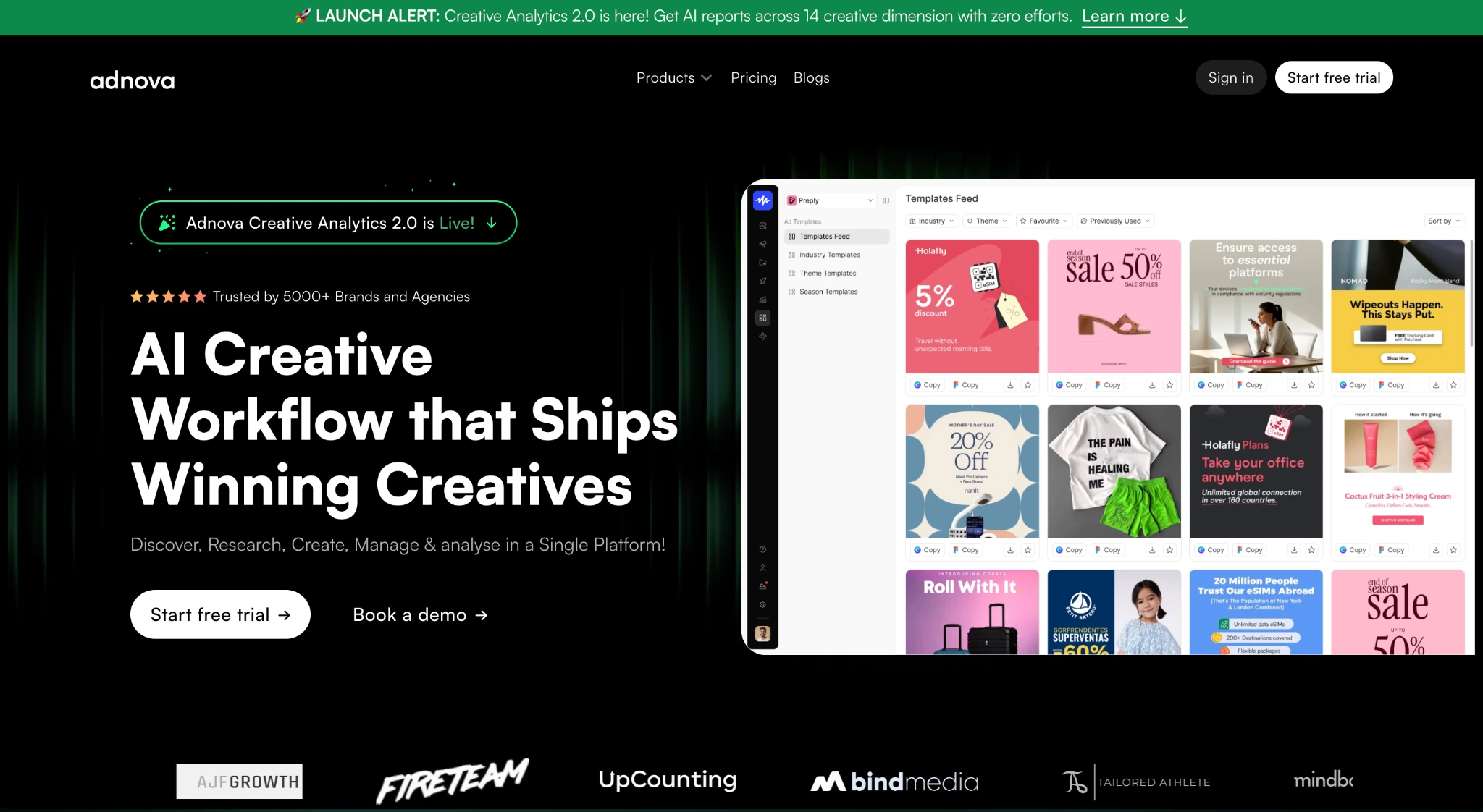
Adnova is a creative intelligence and operations platform built for ecommerce brands and agencies that want their whole creative workflow, research, analytics, collaboration, and launching, in one place.
On the research side, it offers a large discover library of ads, AI-powered competitor tracking, and a browser extension for building swipe files across both paid and organic sources. Where it goes further is after research: Adnova connects to your ad account for creative analytics (so you can see which of your own creatives actually perform), includes a creative hub for team review and feedback, and has a bulk ad launcher to push winners live. The core idea is to run the entire creative loop from inspiration to launch, inside one platform instead of stitching together a spy tool, an analytics dashboard, and a feedback tool.
What is TrendTrack?
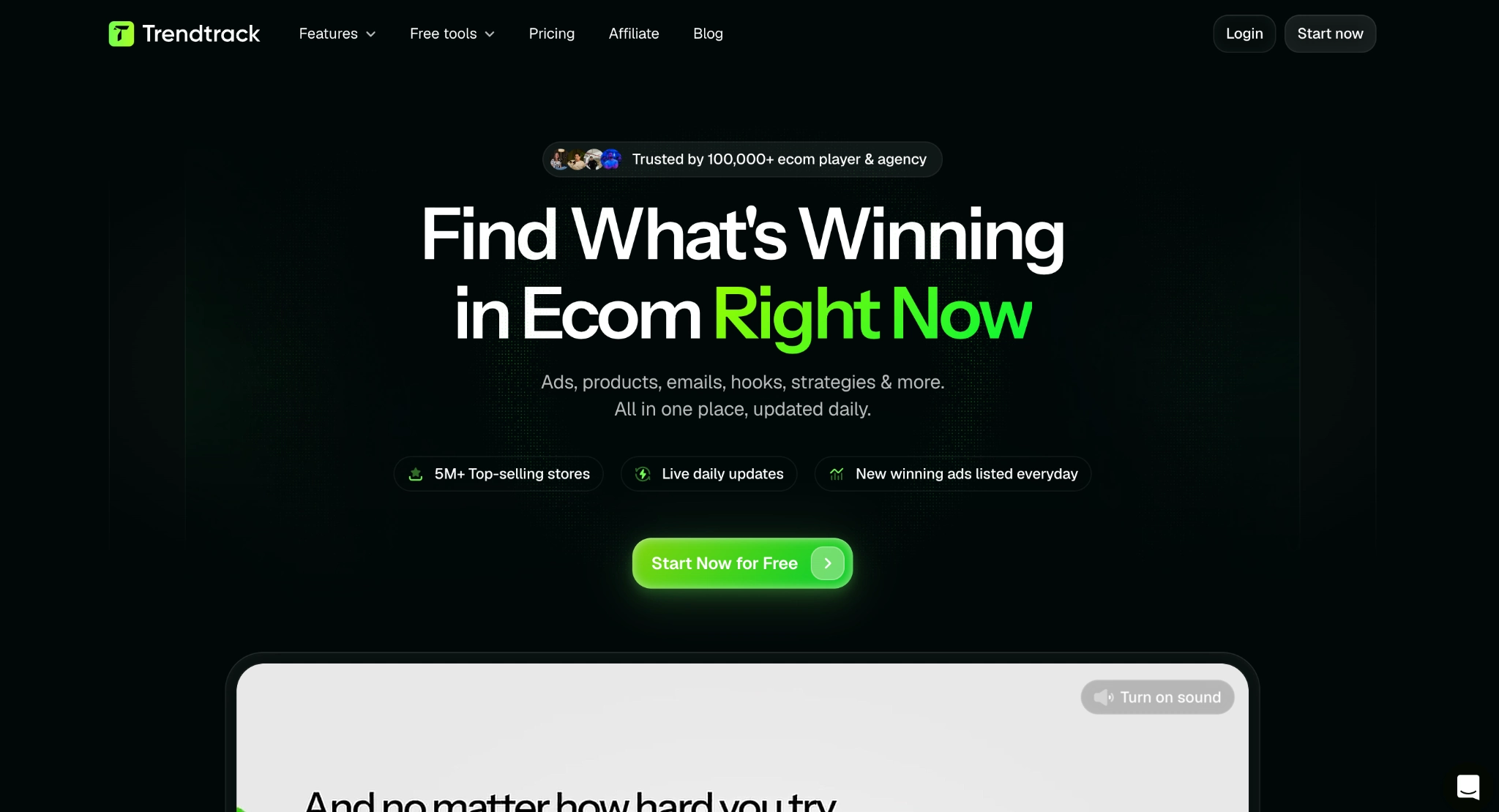
TrendTrack is an ecommerce market-intelligence platform built around one obsession: accurate, daily-refreshed data on what's winning across the Shopify and Meta ecosystem. Rather than focusing on your own creative production, it's designed to show you the state of the market right now.
Its pillars include a large Shops database for finding and tracking fast-growing stores, deep Shop Analytics (traffic data powered by SimilarWeb, best-sellers, tech stack, reviews, social growth), a very large and fresh ads library, an Advertisers database, real Meta spend and reach figures (limited to EU and UK by Meta's transparency data), a BrandTracker for competitors, and even an Email Library for studying email flows and campaigns. It also ships a free Chrome extension, a suite of free ecom calculators, and API access with AI assistant integrations. If your bottleneck is "I need to know what products, stores, and ads are actually scaling this week", TrendTrack is genuinely strong, and its product and store-level research is something Adnova doesn't try to do.
Ad Library
This is the clearest area of overlap, so it's worth being precise.
TrendTrack runs one of the largest ad libraries in the category, 250M+ ads with roughly 2M new ads indexed every day and lets you filter by spend, format, duration, and performance. Crucially, because it pulls real reach and spend data from Meta's transparency reports (EU and UK), you can filter and validate ads against actual spend signals. On raw size, freshness, and spend data, TrendTrack's library is a real strength.
Adnova offers a 100M+ ad discover library with granular filtering keyword search plus filters for format, ad status (active vs. inactive), industry, and ad running days, which is one of the most reliable proxies for a profitable ad. The difference isn't size; it's what sits on top. Adnova layers AI creative analysis onto the ads you find and connects them directly into the rest of your workflow, save to a swipe file, analyze the creative dimensions, and move toward launching your own version.
The honest read: if your priority is the biggest, freshest pool of ads with real spend filters, TrendTrack leads on the library itself. If you want a large library that feeds straight into AI creative breakdowns and a production workflow, that's where Adnova's version earns its place.
Competitor Tracking
Both platforms do this well, but they emphasize different things.
TrendTrack's BrandTracker monitors competitor brands in near real time, refreshed every 24 hours, and leans heavily on hard numbers: reach, estimated spend (EU/UK), live ads, ads launched, media mix, top hooks, landing-page strategies, and testing timelines. For quantitative competitive intelligence - how much a brand is spending and what's scaling right now. It's genuinely powerful.
Adnova's competitor tracking lets you follow any brand and pull a 360-degree, AI-generated breakdown across creative dimensions: hook tactics, full funnel breakdown, asset types, and spend configuration. The emphasis here is on structured creative insight, not just what a competitor runs, but a readable map of their hook strategy, funnel design, and asset mix that flows into your own creative process.
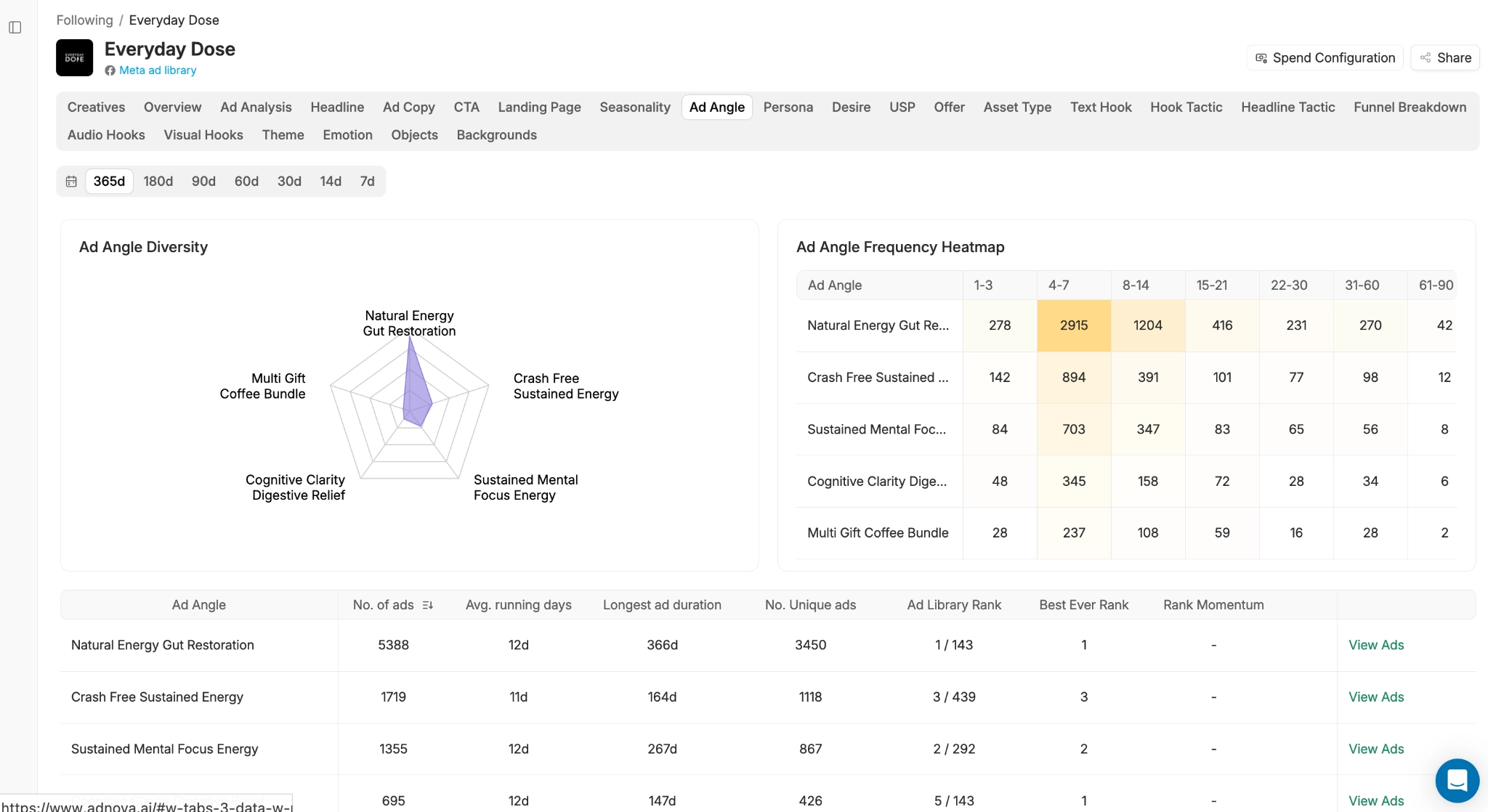
So it comes down to what you want from "tracking". TrendTrack is the stronger choice for spend-and-reach data and live market movement; Adnova is the stronger choice if you want AI-structured creative analysis that plugs directly into building your next round of ads.
Swipe File
A swipe file is only as useful as what you can save and how your team uses it.
TrendTrack offers Folders and a free Chrome extension, and one nice advantage is breadth of object type you can save not just ads but also shops and emails into organized folders, which fits its market-research focus.
Adnova also offers a browser extension, but its swipe sources skew toward creative breadth: it saves from Meta, the TikTok Ad Library, and organic content on TikTok, Instagram, and Pinterest, then lets you share your file with your team via a shareable link. That organic coverage, especially Instagram and Pinterest, is the meaningful difference, since organic posts are often where fresh hooks and formats appear before they ever become paid ads.
The takeaway: if you want to save stores and emails alongside ads, TrendTrack's folders are handy. If you want to capture organic creative inspiration across social platforms and share it with a creative team, Adnova's coverage is the edge.
Apart from Research
This is where the two platforms genuinely diverge and where the "which tool for which job" question gets answered.
TrendTrack extends outward into market data. Beyond the ad library, it gives you store and product discovery, traffic intelligence, an advertiser database, email-marketing research, free ecom tools, and API/AI access. It's built to make you a sharper ecom operator validating products, spotting trends, and reading the market before you commit budget.
Adnova extends into the creative operations loop. Beyond research, it includes:
- Creative analytics: connect your ad account and see which of your own creatives actually drive results, so your research decisions are grounded in your real performance data.
- Creative hub: streamline review and feedback with version stacking and annotated comments, so creatives, strategists, and clients collaborate without the usual spreadsheet-and-email chaos.
- Ad launcher: push your finished creatives live in bulk.
The honest framing: TrendTrack helps you understand the market and find what to make, while Adnova helps you analyze, collaborate on, and ship the creative itself. Notably, analyzing your own ad-account performance, running a team review-and-feedback process, and launching ads are things Adnova does that TrendTrack doesn't, because they're a different job entirely.
Pricing
Both let you start for free, but they're priced for different scopes.
.png)
TrendTrack is the more affordable entry point and offers tiered plans (Starter, Pro, Business, Enterprise) with quarterly and annual discounts a strong fit if you mainly want market data and product research. Adnova's Plus costs more because it bundles a different scope: multi-seat access, creative analytics on your own account, and a full collaboration-and-launch layer. Adnova also has a free tier and cheaper standalone modules (e.g., Creative Hub from ~$39/mo). Check the Adnova pricing page and TrendTrack's pricing for current numbers.
Why Choose Adnova?
Both tools are excellent, and the right pick depends on the job in front of you. If your priority is product and store discovery, email research, or real spend data to read the market, TrendTrack is a genuinely strong choice, and there's no wrong answer here.
That said, if you're a brand or agency whose real work is making and shipping better creative, Adnova covers more of that loop in one place:
- Research that feeds production: a 100M+ ad library with AI creative analysis, designed to flow straight into building your next ads.
- AI-structured competitor insight: not just spend numbers, but a readable map of hook tactics, funnel structure, asset mix, and spend configuration.
- Swipe across paid and organic: capture creatives from Meta, the TikTok Ad Library, and organic TikTok, Instagram, and Pinterest, then share with your team in one link.
- Your own creative analytics: tie research back to what's actually performing in your ad account, something a pure market-data tool can't do.
- Collaboration and launching built in: a creative hub with version stacking and annotated comments, plus a bulk ad launcher to ship what works.
In short: TrendTrack is a market-intelligence and product-research powerhouse. Adnova is a creative operations platform, research, your-account analytics, team collaboration, and launching, all in one workflow. If your bottleneck is creative, Adnova is built for exactly that.
The fastest way to know if Adnova fits your workflow is to try it on a real launch. No credit card required.
Or, if you'd like a walkthrough with the team to map Adnova against your current setup: